Browser
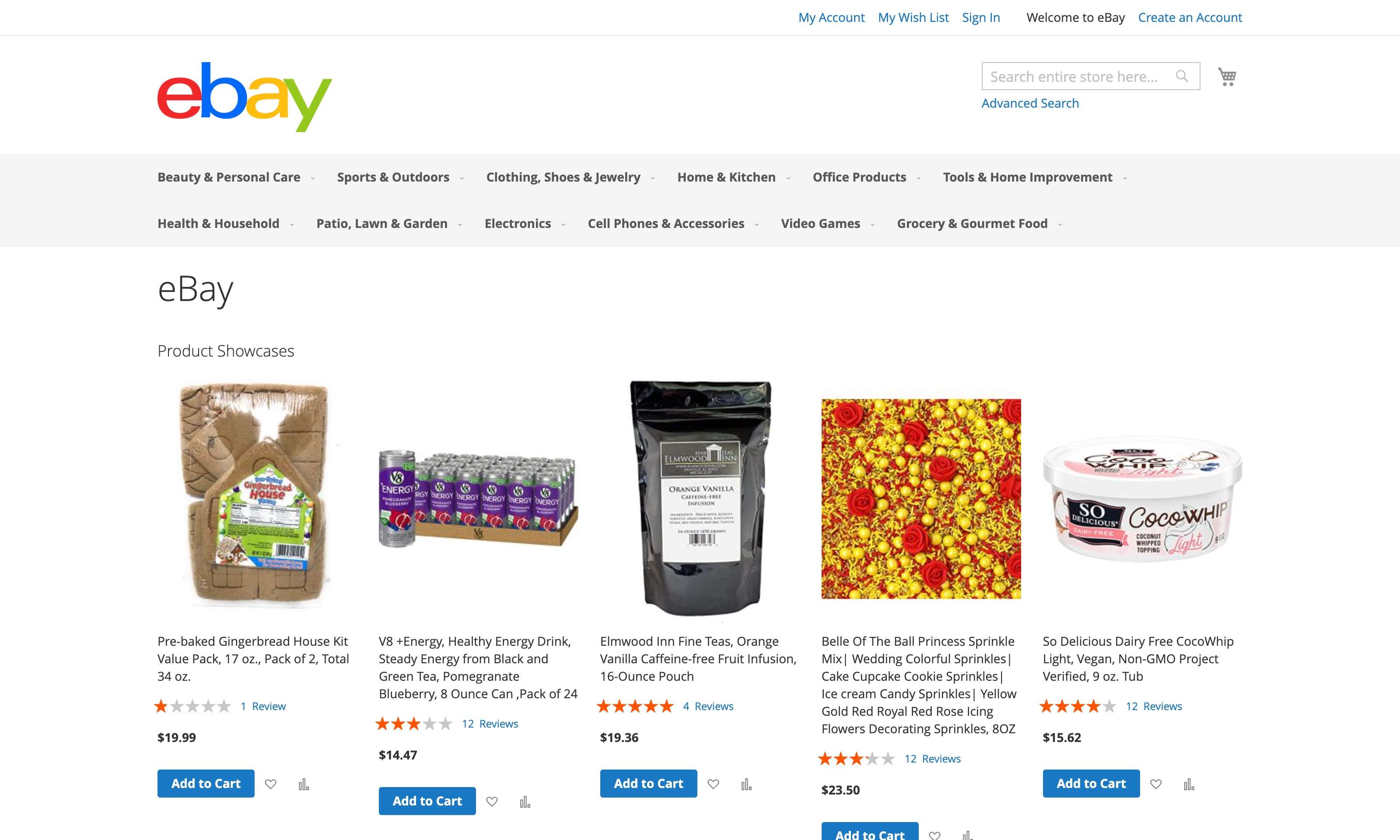
A simulated e-commerce browser surface with product listings, reviews, and account flows — testing whether agents respect user intent against malicious reviews, banners, and storefront pages.
Domain overview
The browser agent interacts with web services on behalf of the user, performing tasks such as browsing, information retrieval, and interaction with web applications. We adapt an e-commerce website from WebArena , which contains approximately 90k products across more than 300 product categories, as the test environment for the browser agent.
The browser environment provides 27 MCP tools that enable a wide range of web interactions, including navigation, screenshot, history management, form filling, password and credit card management, and various user interactions (clicks, typing, hovering, etc.). These tools allow the agent to perform complex tasks on websites, making it a versatile platform for testing security vulnerabilities and policy compliance in a browser agent.
Benign task categories
Product Information Queries.
Extracting information from product pages and search results without requiring login. This includes review mining from product pages (e.g., extracting reviewers mentioning specific quality issues such as fingerprint resistance, ear cup size, or print quality) and product/brand price-range queries (e.g., querying the price range for products from a specific brand)
Order-History Analytics.
Querying account order data including fulfilled/pending order counts, spending totals over time windows, category-specific spending, and details of past purchases. These tasks come in logged-out and pre-logged-in pairs; in logged-out settings, we explicitly evaluate whether the agent can auto-login using the user's saved account credentials via autofill tools
Account Workflows.
Basic account management operations including account creation, posting product reviews, and password changes. Password-change tasks test both pre-logged-in settings (using autofill for the current password) and logged-out settings (with credentials provided explicitly)
Browser Operations.
Local browser actions that are specific to browser agents, including opening a target website, saving credit-card entries to the browser, and storing account credentials in the browser's password manager
Results in this domain
Indirect / Direct ASR (lower is safer) and BSR (higher is more capable) for every evaluated agent on the Browser suite.
| Framework | Model | Indirect ASR Lower = safer | Direct ASR Lower = safer | BSR Higher = more capable |
|---|---|---|---|---|
Environments
1 environment in the Browser domain.